
Users turn to jailbreaking older Kindles as Amazon ends support
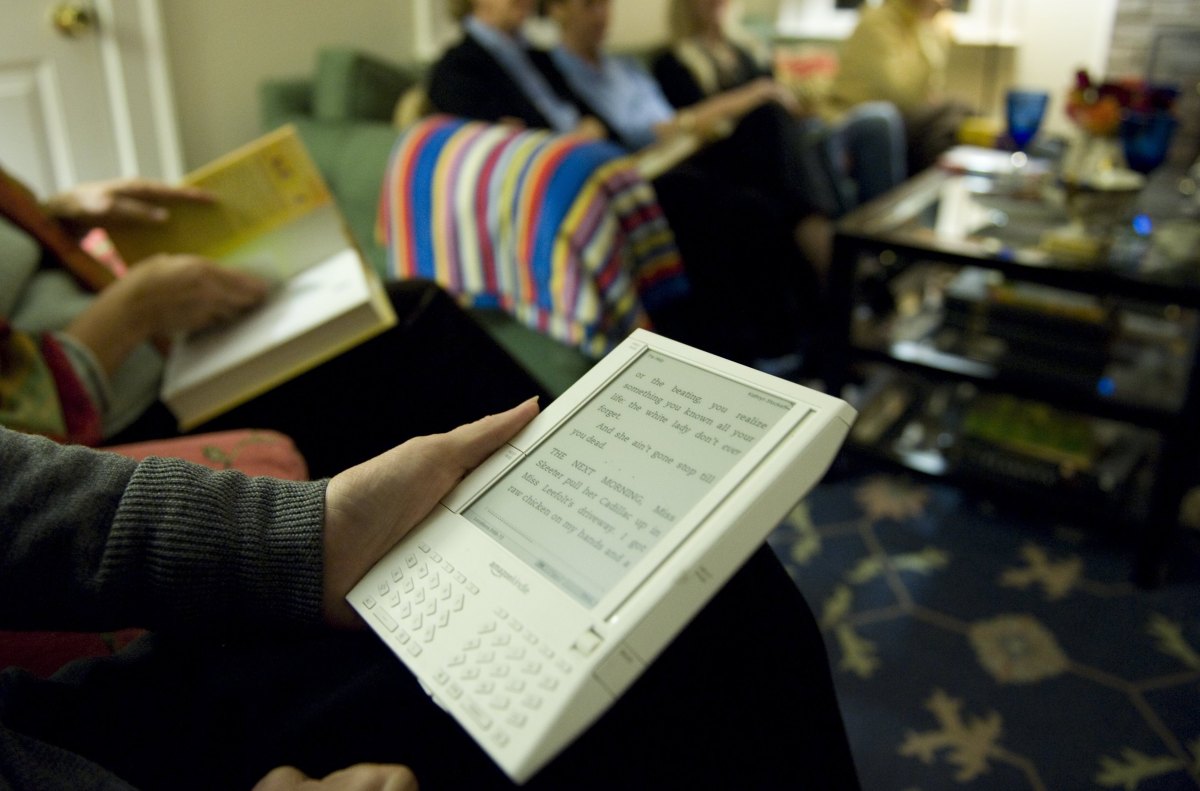
Many people are jailbreaking their Kindle following the news that Amazon will end technical support for older models.
On May 20th, Amazon will end support for the following Kindle devices:
Kindle 1st Generation Kindle 2nd Generation Kindle DX Kindle DX Graphite Kindle Keyboard Kindle 4 Kindle 5 Kindle Touch Kindle Paperwhite 1st Generation Kindle Fire 1st Generation Kindle Fire 2nd Generation Kindle Fire HD 7 Kindle Fire HD 8.9
This move will allow users to use their devices only to read downloaded content. So, naturally, people are jailbreaking them.
Jailbreaking refers to bypassing the software restrictions that Amazon imposes on Kindle devices. This process allows users to install custom fonts, new screensavers, alternative reading apps, and even third-party tools that extend the Kindle’s functionality.
However, it’s important to note that jailbreaking your Kindle may violate Amazon’s Terms of Service. In many jurisdictions, jailbreaking is not considered a crime for personal use, but it can be a crime if it involves copyright infringement, distributing illegal software, or selling modified devices.
This guide is for informational purposes only. Always follow the law and proceed with caution.
How do you jailbreak an old Kindle?
Many Kindle owners who choose to jailbreak see it as a way to take control of a purchased device that is still functional, rather than being forced to purchase a new device.
However, jailbreaking is technical and comes with risks, including the possibility that your device may become unusable if something goes wrong. Also, not all Kindle models or firmware versions allow it, so Kindle owners should first take the time to research whether their device is compatible before proceeding.
Once the owner has verified compatibility, there are a few other steps to take.
Disable Wi-Fi or use airplane mode to prevent Amazon from updating your Kindle and closing the jailbreak loophole. Download a jailbreak package from a trusted online forum. Please download files only from trusted sources as there is a risk of downloading malicious files from unknown sources. (MobileRead forums are widely recognized as a reliable option.) Download the Kindle jailbreak zip file. This includes hotfixes to maintain jailbreak. Connect your Kindle to your computer using a USB cable. Then, copy the .bin file directly to your Kindle’s main folder. Then type “;log mrpi” in your Kindle’s search bar or go to Settings and select “Update Kindle” to start the installation process. To manage apps and customizations on your jailbroken Kindle, install Kindle Unified Application Launcher (KUAL). Users can also install KOReader, a popular open source e-book reader for jailbroken Kindles. It offers features such as support for multiple file types (including EPUB), enhanced PDF handling, and a built-in file browser.
Disadvantages to consider
There are trade-offs with jailbreaking. Running unofficial software may cause unexpected problems, such as frequent app crashes or, in the worst case scenario, your device not working completely. Additionally, jailbreaking or using third-party apps can negatively impact battery life.
If you’re looking for a safer alternative, you can always sideload books onto your Kindle using a USB cable and your computer without changing your system software.
There are plenty of other similar devices out there, including the Boox Palma, the Vivlio e-reader, and even this little Xteink X3 that attaches to the back of your phone.
If you buy through links in our articles, we may earn a small commission. This does not affect editorial independence.
Source link

