



Microsoft on Tuesday released a mitigation for a BitLocker bypass vulnerability called YellowKey, following a public release last week.
This zero-day flaw is currently tracked as CVE-2026-45585 and has a CVSS score of 6.8. This is described as bypassing the BitLocker security feature.
“Microsoft is publicly aware of a Windows security feature bypass vulnerability known as ‘YellowKey,'” the tech giant said in an advisory. “A proof of concept for this vulnerability has been published and violates best practices for coordinated vulnerabilities.”
This issue affects Windows 11 version 26H1 for x64-based systems, Windows 11 version 24H2 for x64-based systems, Windows 11 version 25H2 for x64-based systems, Windows Server 2025, and Windows Server 2025 (Server Core installations).
YellowKey was published by a security researcher named Chaotic Eclipse (aka Nightmare-Eclipse). Essentially, you can place a specially created “FsTx” file on a USB drive or EFI partition, connect the USB drive to the target Windows computer with BitLocker protection turned on, reboot into Windows Recovery Environment (WinRE), and hold down the CTRL key to trigger a shell with unrestricted access.
“If you do everything properly, you will generate a shell with unrestricted access to BitLocker-protected volumes,” the researchers said in a GitHub post.
Redmond noted that a successful exploit could allow an attacker with physical access to bypass the BitLocker device encryption feature on a system storage device and access encrypted data.
The following mitigations are outlined to address this risk:
Mount the WinRE image on each device. Mount the system registry hive of the mounted WinRE image. Modify the BootExecute by removing the “autofstx.exe” value from the BootExecute REG_MULTI_SZ value in the session manager. Save and unload the registry hive. Unmount and commit the updated WinRE image. Reestablish BitLocker trust for WinRE.
“Specifically, it prevents the FsTx auto-recovery utility, autofstx.exe, from starting automatically when a WinRE image boots,” said security researcher Will Dormann. “This change will prevent re-running the transaction NTFS that deletes winpeshl.ini. It is also recommended to switch from TPM only to TPM+PIN.”
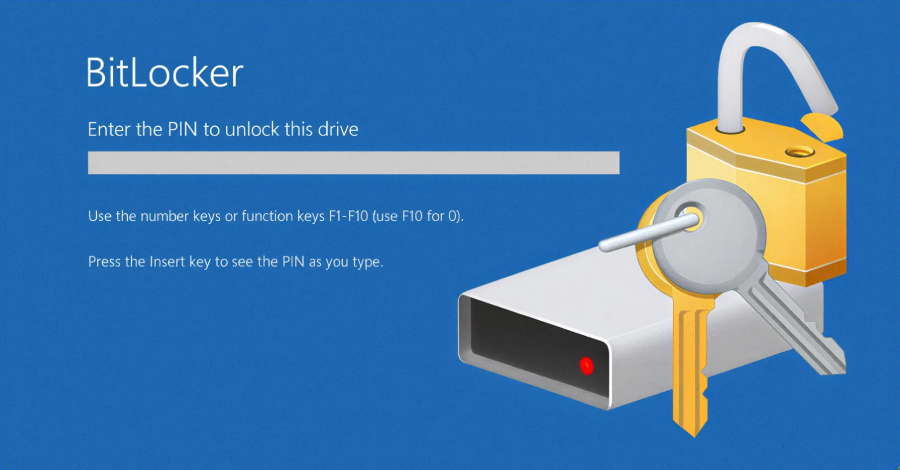
Microsoft also highlighted that users can protect against exploits by configuring BitLocker on already encrypted devices with “TPM only” protection by switching to “TPM+PIN” mode via PowerShell, command line, or Control Panel. This requires a PIN to decrypt the drive at boot time, effectively aiding YellowKey attacks.
For unencrypted devices, administrators can use Microsoft Intune or Group Policy to[起動時に追加の認証が必要]enable the option,[TPM 起動 PIN の構成]but[TPM で起動 PIN を要求する]We recommend that you make sure that it is set to .